Video game arcade game machine factory
-
+86-13322808949



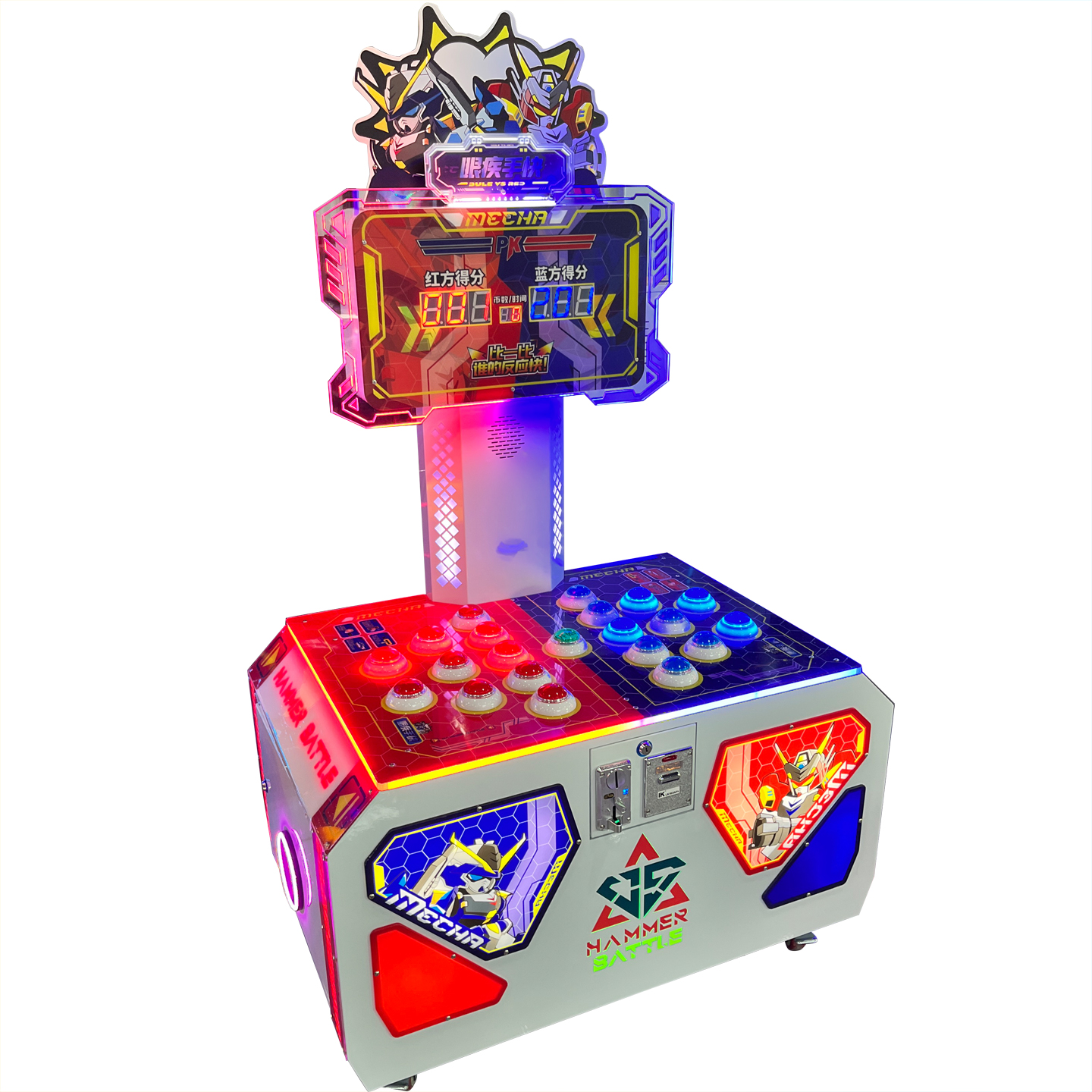
Quick witted and agile battle game console
PRODUCT PARAMETERS
Description
Gameplay: Input the corresponding game currency and press the start button in the middle to enter the game. After the game starts, tap the button that lights up, and the faster you press it, the higher your score will be. If you tap a button that doesn’t light up, it will deduct points!
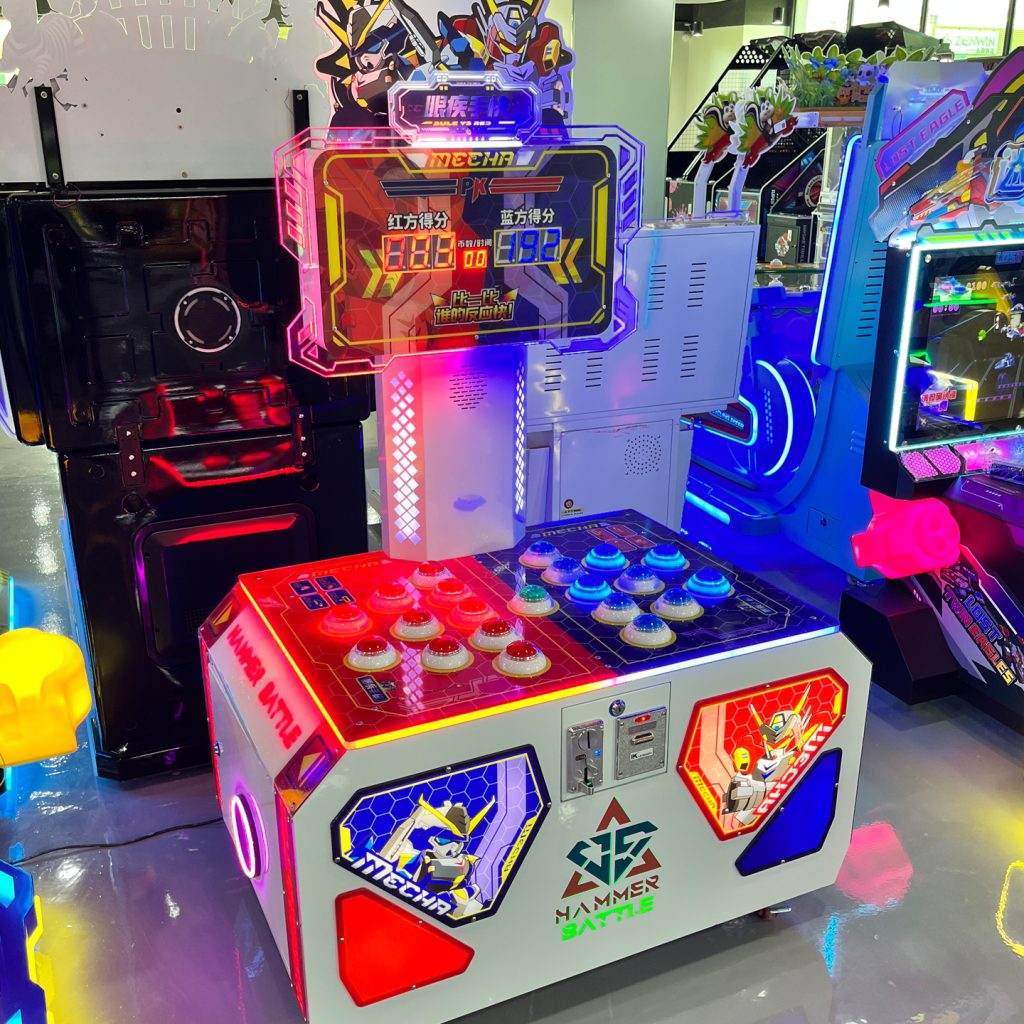
| name | Quick witted and agile battle game console |
| Dimensions (L×W×H) | D116L72H192cm |
| Machine Weight | 100gk |
| Rated Passenger Weight | |
| Power Consumption | 150w |
| Voltage | 220V / 110V |
Settings: Press the settings button first to enter the settings interface!
Press the (5th) start button to switch between setting items, and the setting item code is displayed on the “Game Count” digital display. The 3rd and 4th keys can switch the values in the red score column. When setting the number of lottery tickets, the 1 and 2 keys can switch the blue score, which is the game score line.
01 Item: How many coins can be invested at once? Game Unit: Coin defaults to 002. Set Range: 001-009
02 game time unit per round: seconds default to 040 setting range 030-090
The default switch for the 03 lottery functions is 001 on (000 off)
04 Lottery Quantity Setting 01 Default Score Line 150 points, 10 lottery tickets will be refunded
05 lottery ticket quantity setting 02 default score line 200 points refund 20 lottery tickets
06 lottery ticket quantity setting 03 default score line 250 points refund 50 lottery tickets
Query of 07 ticket refunds
The number of returned lottery tickets for item 04 is displayed as a six digit value on both the blue and red sides, and cannot be adjusted
Press and hold the settings button to power on and restore the factory settings. The number of returned lottery tickets will be reset to zero
The default score line refers to the score of the player’s winning side, and returning the lottery ticket only means returning the winning side’s lottery ticket.
The number of lottery refunds can be set to three levels: 04, 05, and 06, depending on the venue requirements.
If the duration of each game is set, it is necessary to increase the corresponding default score line.
After the settings are completed, you can save the settings by shutting down, restarting, or pressing the settings button to exit the settings interface.
Attention: 1 If the machine displays E001, it indicates that the machine’s lottery tickets are insufficient. You need to return the lottery ticket again to play normally.
If the machine displays E002, it means that the machine does not have a TF card or the TF card is turned on. TF needs to be reinserted to play normally.
- If the machine is turned on by pressing the settings button before power on, the machine will restore its default settings
FAQs
What types of products can we offer?

What logistics do we ship through?





Can it be customized as per our requirements?

What is our ordering process?
What services are included in the after-sales service?