Video game arcade game machine factory
-
+86-13322808949



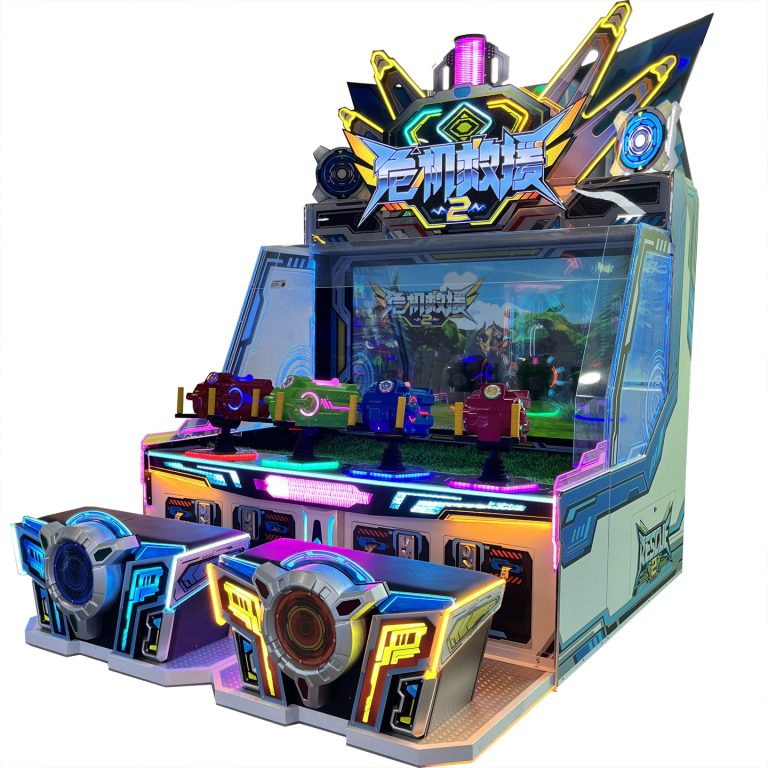
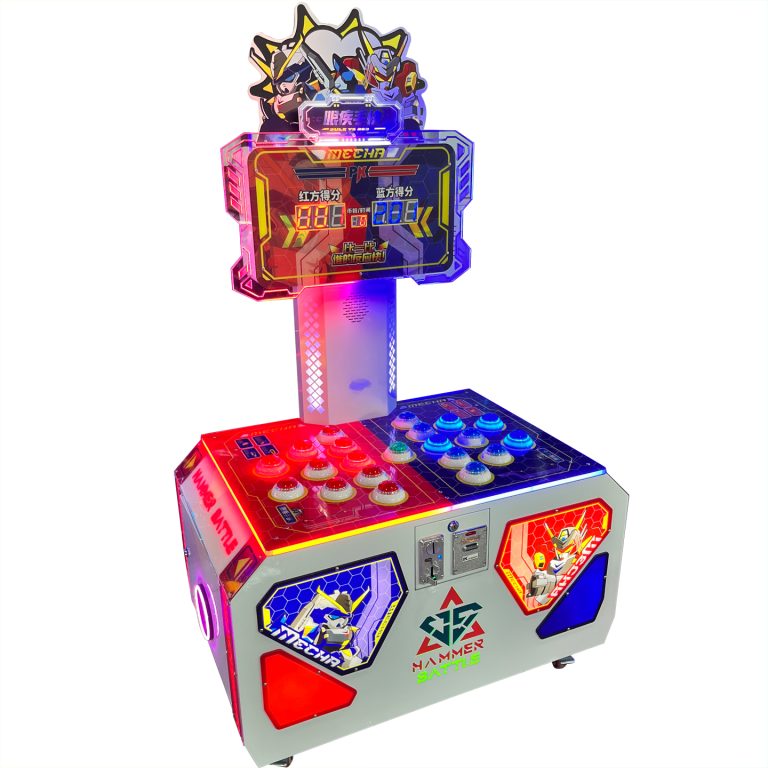
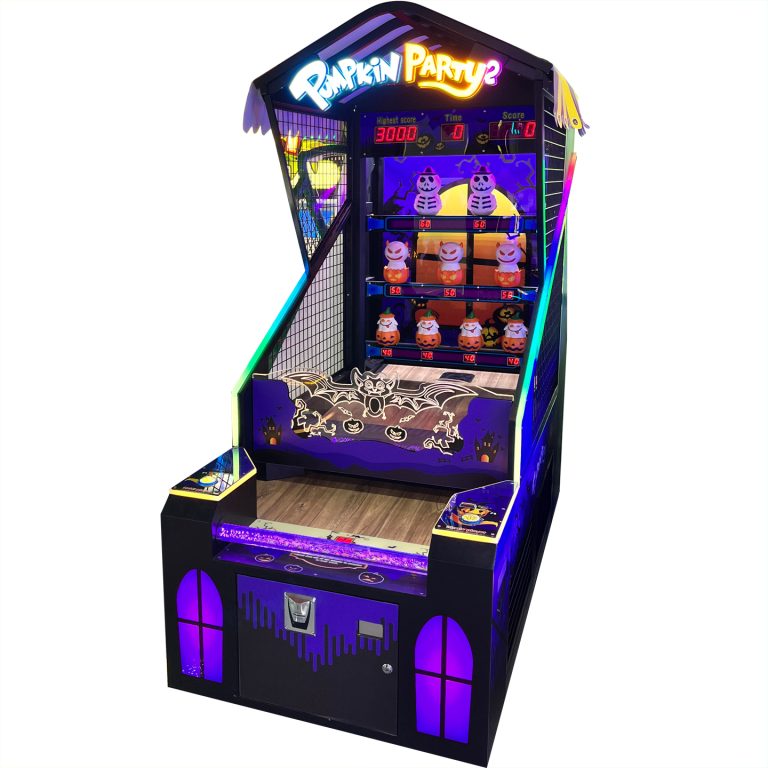
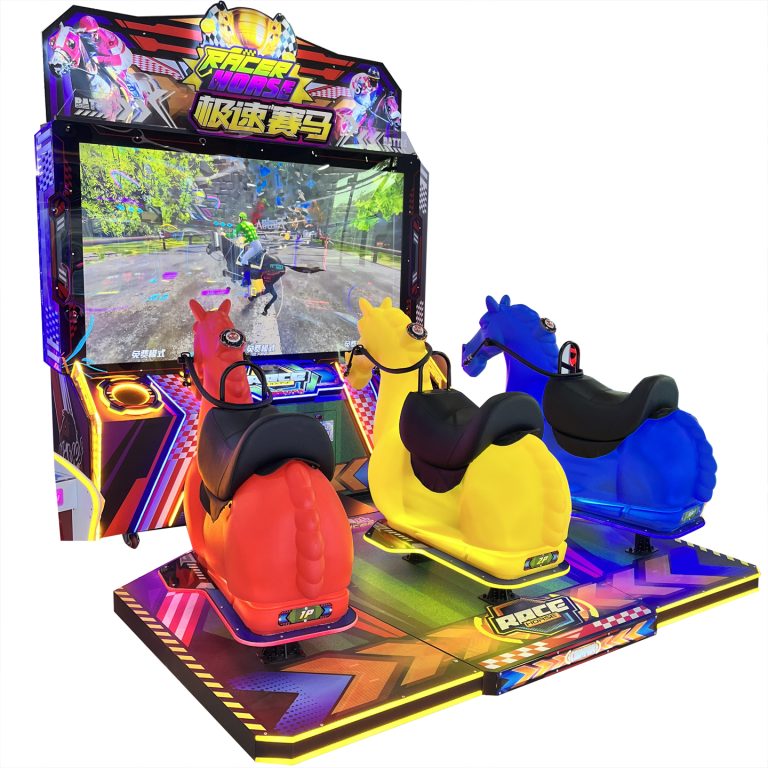
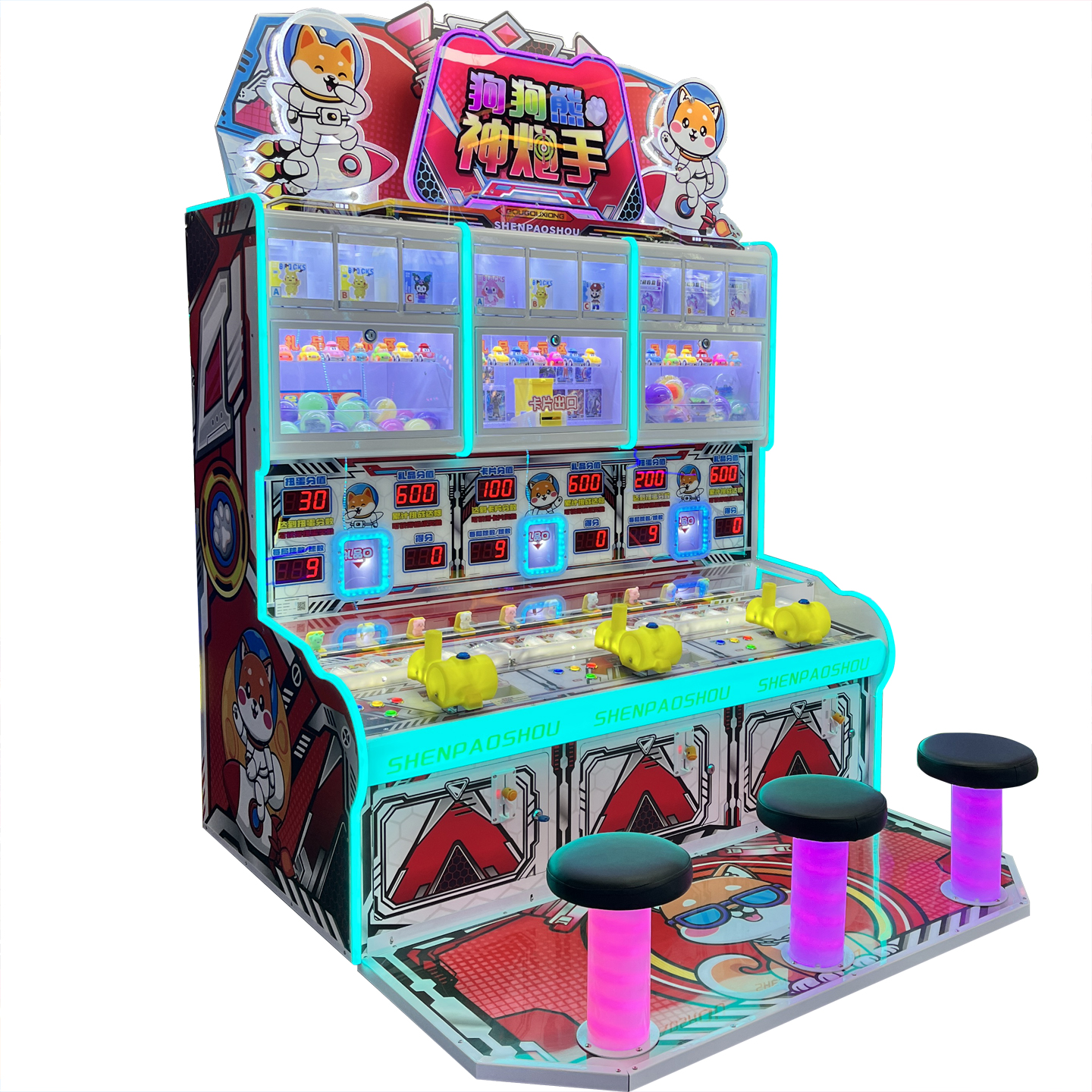
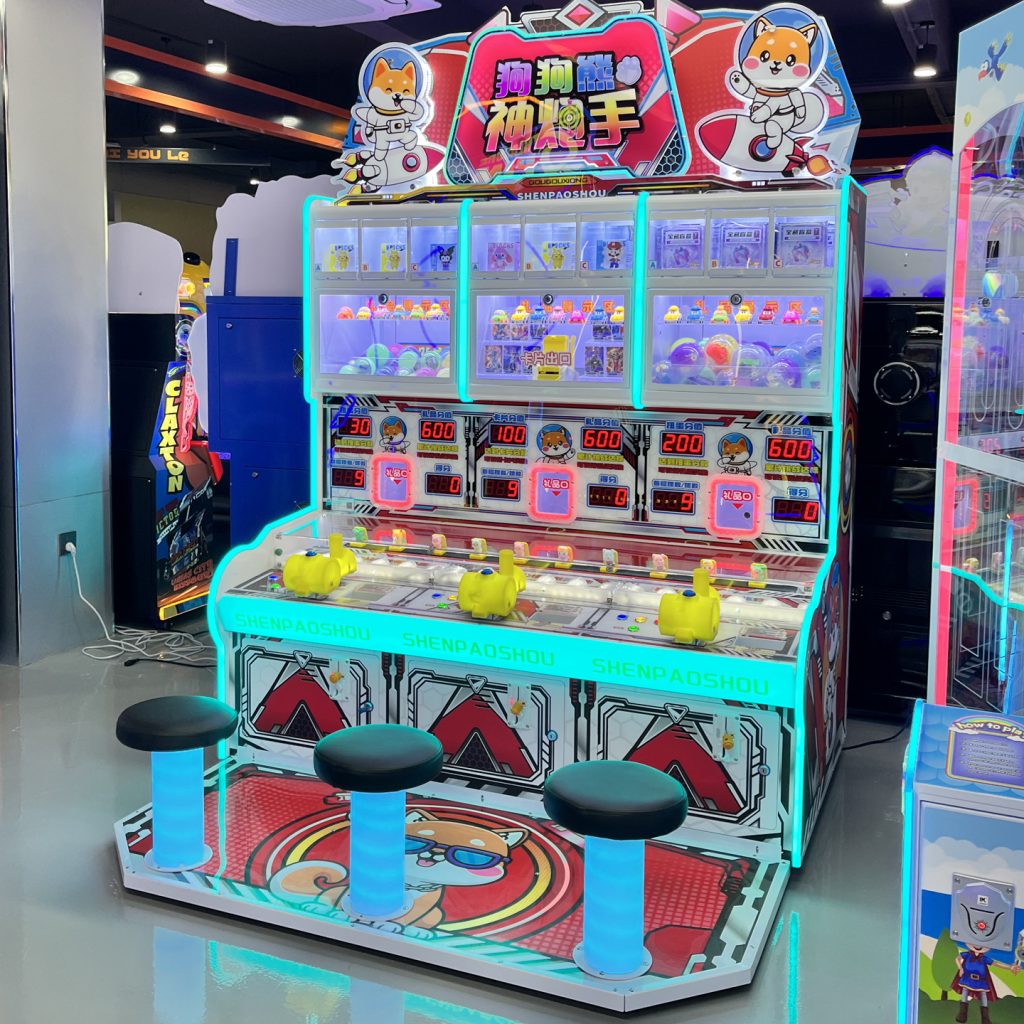
Dog Bear Shooting Ball Game Machine
PRODUCT PARAMETERS
Description
Operation method of function setting button:
Press the “Page Up” button to incrementally select and set the item number. (Set the project cycle increment key. See the table below)
Press the “Settings” button to change the functional parameter values of the settings item. (Range value cyclic increment key) (Long press to quickly increment)
In standby mode, open the coin operated door in the middle, press the settings button once to see the parameter settings, then press the settings again to enter the adjustment of all functions
| name | Dog Bear Shooting Ball Game Machine |
| Dimensions (L×W×H) | D104W165H234cm |
| Machine Weight | 200gk |
| Rated Passenger Weight | 300gk |
| Power Consumption | 400w |
| Voltage | 220V / 110V |
Error code, meaning, and cause of malfunction
Meaning of error code and cause of malfunction
E01 1P Twisted Egg Fault: 1P Twisted Egg has been released. After adding the twisted egg, press the “Repair” button briefly to fix it.
E02 2P Twisted Egg Fault 2P Twisted Egg Finished, Add Twisted Egg, Short press the “Repair” button to repair.
E03 3P gift pole malfunction 3P gift malfunction. After repairing the gift, press the “repair” button briefly to clear it.
E04 1P ball fault 1P ball timeout fault, check if the motor or micro motion is burnt out, short press the “repair” button to clear.
E05 2P ball fault 2P ball timeout fault, check if the motor or micro motion is burnt out, short press the “repair” button to clear.
E06 3P ball out fault 3P ball out timeout fault, check if the motor or micro motion is burnt out, short press the “repair” button to clear.
FAQs
What types of products can we offer?

What logistics do we ship through?



Can it be customized as per our requirements?
What is our ordering process?
What services are included in the after-sales service?