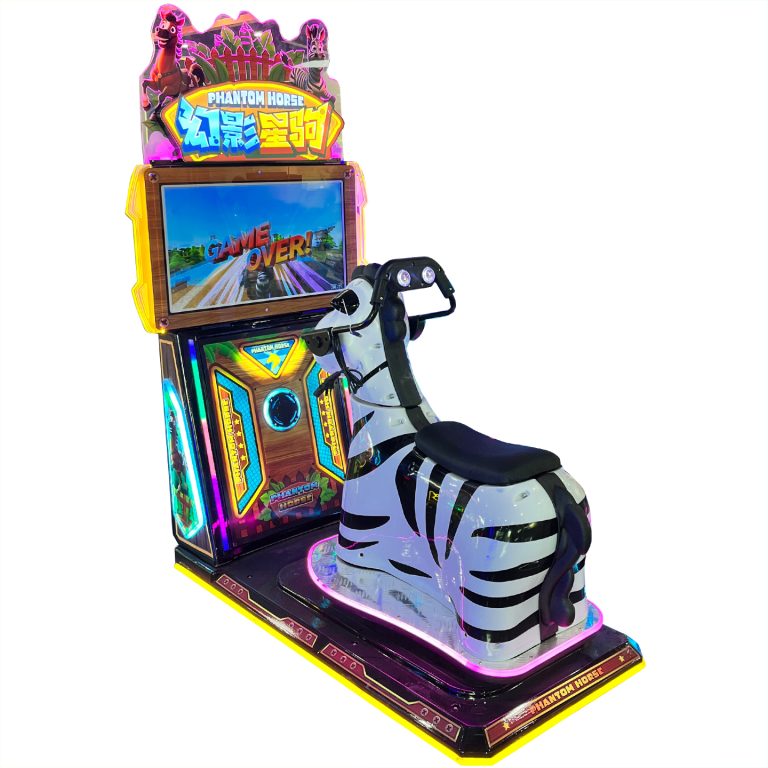
Video game arcade game machine factory
-
+86-13322808949



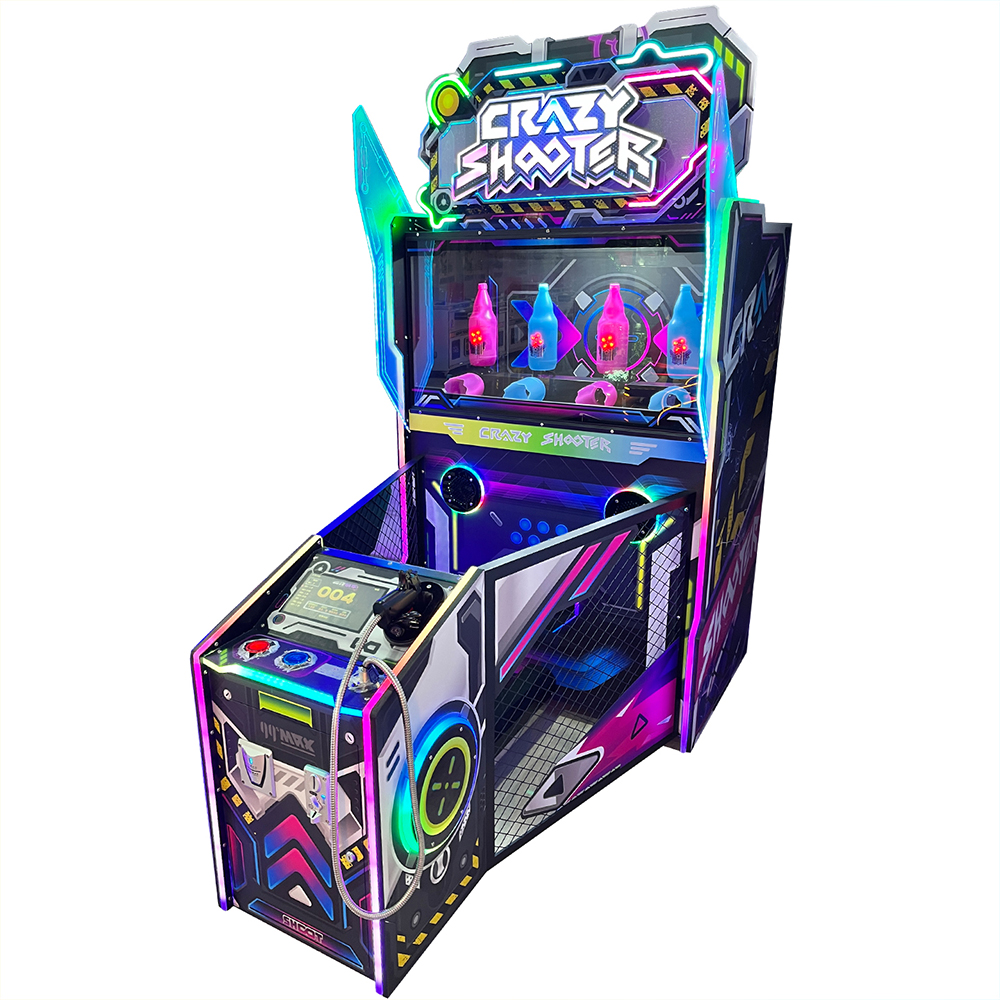
Video game city crazy shooter gun game machine


PRODUCT PARAMETERS
Description
There are a total of three buttons on the keypad, namely: (MOVE) button, (ENTER) button for modification/entry, and (SERVICE) button
Service key.
Move key: In the settings interface, it is used to move and switch between menu options. In the game interface, pressing this key can increase
Play one round for free;
Modify/Enter key (hereinafter referred to as Enter key): When in the game interface, pressing this key will enter the settings interface. In settings
When on the interface, pressing this button can enter the next level menu of the corresponding option. When entering the bottom-level menu, pressing this button can
To modify the content of the corresponding options. When the “Exit” option under the main menu interface is selected, pressing this button will
The program will switch to the game interface.
Service button: When in the game interface, if you want to replenish lottery tickets, press this button to provide players with additional tickets. If the motor is driven
The motor of the moving plate has reported an error. After repair, pressing this button can restore the normal operation of the motor
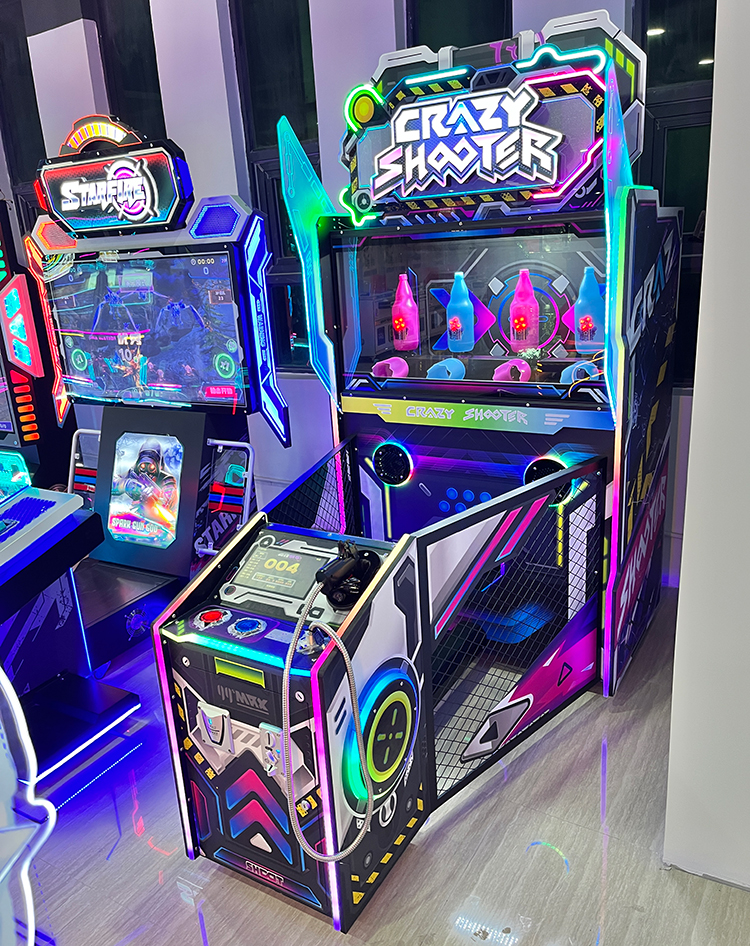
Game machine Crazy Shooter shooting game machine
| name | Crazy Shooter |
| Dimensions (L×W×H) | D194W110H219cm |
| Machine Weight | 120kg |
| Rated Passenger Weight | |
| Power Consumption | 150w |
| Voltage | 220V / 110V |
Notice:
The level parameters include the settings for scores, time, and lottery ticket counts for levels 1 to 7, including the number of grand prize lottery tickets and the grand prize
Reward points, lottery function, online game time, percentage of other players’ lottery tickets won by the champion during online competitions, and resetting to default
Confirm and save, and clear the billing settings. The default parameters are shown in the figure below.
The settings for the score, time, and lottery parameters of levels 1 to 7, where the level score and lottery parameters are set simultaneously
Parameters applicable to both standalone and online games, with time parameters only applicable to standalone games;
The number of grand prize lottery tickets is obtained when the total score of the game reaches the sum of the scores from Level 1 to Level 7 and the grand prize bonus
The number of lottery tickets with big prizes;
③ The grand prize score is actually integrated into the score of the seventh level. When the score only reaches the scores of levels 1 to 7, the expenditure is
The number of lottery tickets from Level 1 to Level 7, if the total score reaches the sum of the scores from Level 1 to Level 7 and the grand prize at the end of the seventh level game
When calculating the score, it is the sum of the number of lottery tickets that can win the grand prize and the number of lottery tickets from the first to the seventh level;
The lottery function is used to enable or disable the output of lottery tickets. If this option is set to disabled, no lottery tickets will be output
If the cumulative lottery is activated, the corresponding number of lottery tickets will be output;
⑤ Online game time refers to the total time spent playing online games. If this time is adjusted, the corresponding level scores will also be adjusted
Adjustments are necessary, otherwise there may be a tendency towards either frequent or infrequent big wins;
⑥ During online competitions, the percentage of other players’ lottery tickets awarded to the champion is used to adjust the champion’s winnings from other online games
The proportion of lottery tickets obtained by each online player;
⑦ “Restore default” is used to restore the default values of the aforementioned parameters. When selecting this option, you must long press the enter key for it to take effect, avoiding
Prevent misoperation;
⑧ Saving and clearing the bill is used to save the newly set parameters mentioned above. Clearing the bill is to achieve the goal of avoiding bill clutter
of
FAQs
What types of products can we offer?

What logistics do we ship through?




Can it be customized as per our requirements?
What is our ordering process?
What services are included in the after-sales service?