Video game arcade game machine factory
-
+86-13322808949



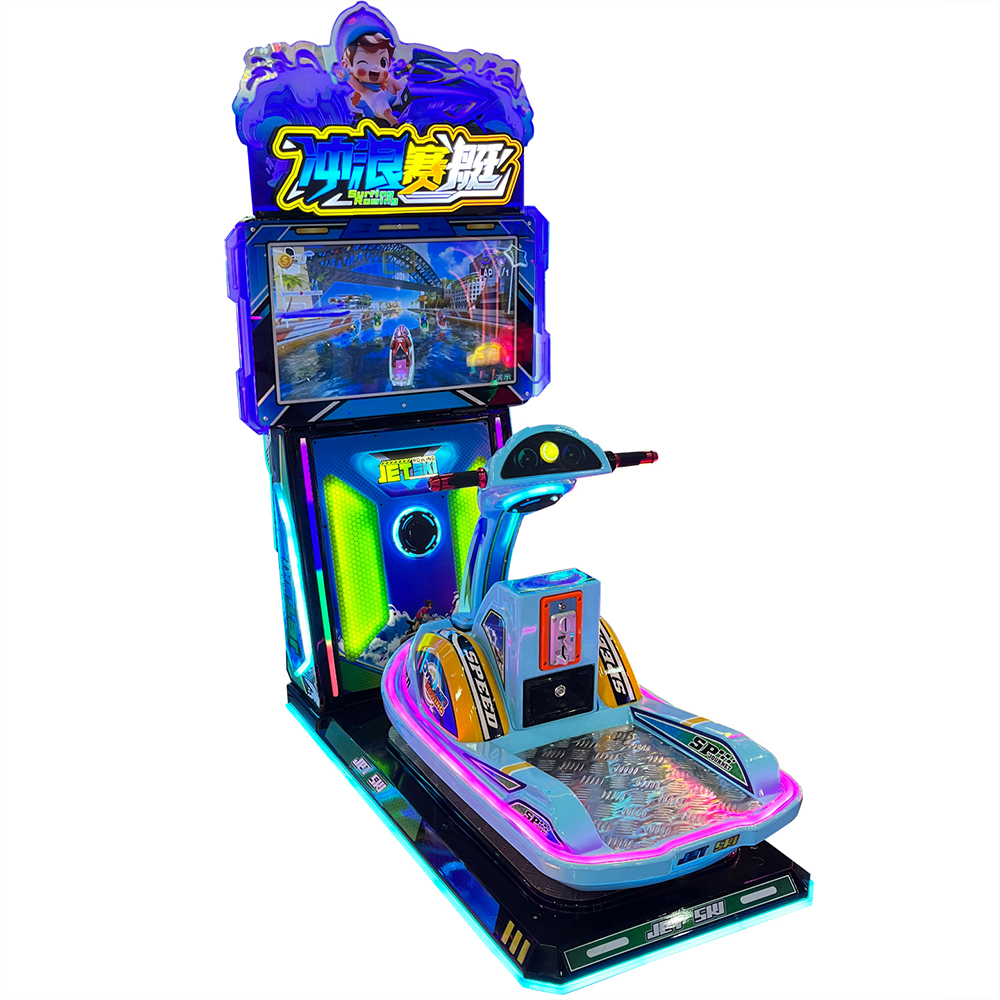
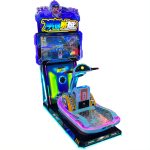
Video game city surfing and rowing game machine
PRODUCT PARAMETERS
Description
“Surfing Rowing” is a dynamic simulation game played from a third-person perspective. Players control the movement speed and direction of the protagonist in the game by maneuvering the motorboat. The game offers four different tracks for players to choose from and challenge. Besides track selection, players can also choose one of the five player characters provided by the game to complete the track challenge after inserting coins. There are abundant props in the track, and players need to maneuver the motorboat to obtain advantageous props to surpass other players. The game rule of “Surfing Rowing” is to be the first to cross the finish line within a limited time; ranking higher and obtaining more coins indicates better performance on this track.
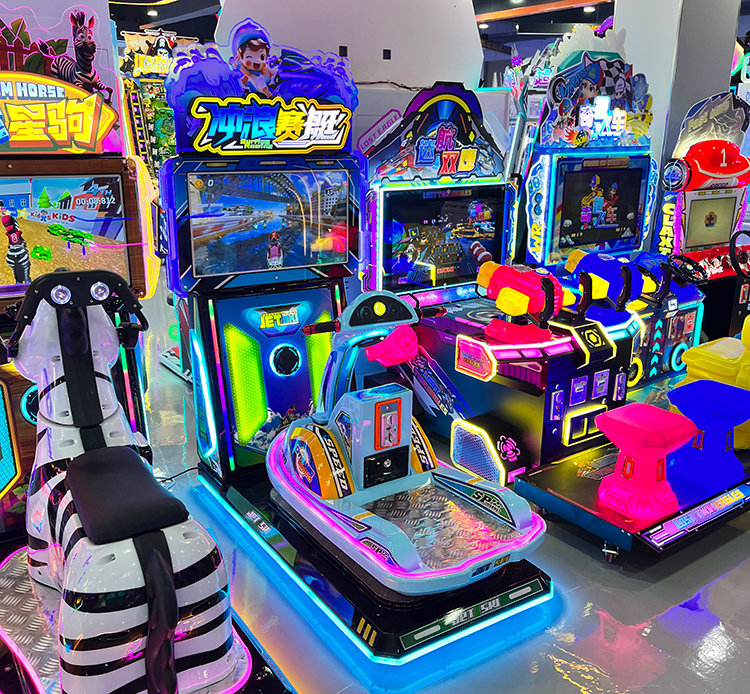
Video game city children’s simulated rowing game machine
| name | surfboat |
| Dimensions (L×W×H) | D1640W96H160cm |
| Machine Weight | 150gk |
| Rated Passenger Weight | 75gk |
| Power Consumption | 150w |
| Voltage | 220V / 110V |
| LCD Screen | 22” high-definition display |
Notice:
7.1 Troubleshooting
- If the machine operation is ineffective and the “MCU indicator light” does not flash in a pattern of 0.5 seconds on and 0.5 seconds off, please check if the connection between the auxiliary board and the core board is loose.
- If you find that the left-right swing does not match the game content, you can enter the “background interface” to adjust the “gear setting” (assuming the gyroscope is correctly installed by default); if the left-right movement is ineffective, you need to check the “gsensor indicator light”. If it flashes in a pattern of 1 second on and 1 second off, please check whether the connection between the auxiliary board and the gyroscope is loose.
- When encountering the phenomenon of coin eating, check the status of the “coin insertion signal light” on the mainboard. After inserting coins, this light should flash once. If it doesn’t flash, you need to check the wiring from the coin acceptor to the mainboard.
FAQs
What types of products can we offer?

What logistics do we ship through?




Can it be customized as per our requirements?
What is our ordering process?
What services are included in the after-sales service?