Video game arcade game machine factory
-
+86-13322808949



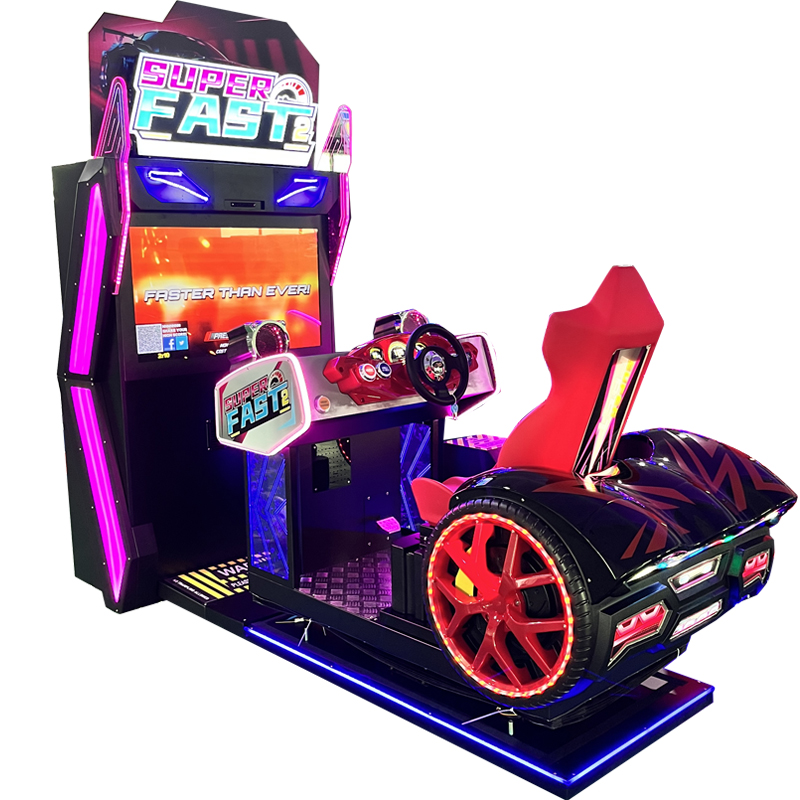
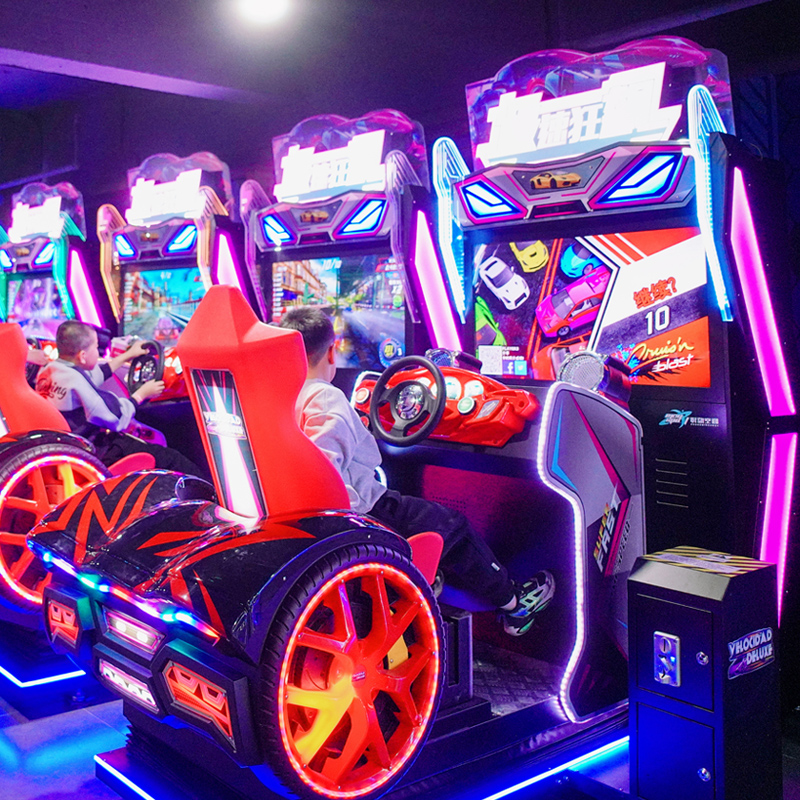
Fast & Furious 2
PRODUCT PARAMETERS
Description
- Game instructions:
After inserting coins, you can choose a level, then proceed to the car selection screen, and after selecting a car, you can enter the game
Racing cars are divided into C, B, A, and S classes. There is a significant difference between cars of different classes, while the difference between cars of the same class is relatively small
The player operates the vehicle on the track, collects coins and items (acceleration items, magnet items), and overtakes other vehicles to obtain rankings
After one of the other vehicles crosses the finish line, the countdown begins. The game ends after 10 seconds. If the player fails to cross the finish line within this time, it is considered as unfinished
After the game ends and the rewards are settled, if the number of coins is sufficient, the level selection interface will pop up. Selecting a level and pressing the confirm button before the countdown ends will directly enter the level. If the countdown ends, or if you choose to exit, or if the number of coins is insufficient, you will be directly returned to the game selection interface.
○ The background drift setting is set to ON. In the game, you can drift by pressing the direction key and the brake key simultaneously. If it is set to OFF, you cannot drift
Double-click the confirmation button to switch between viewpoints (there are three viewpoints in total)
Long press the confirm button to switch to automatic driving, and press it again to cancel
| name | Fast & Furious 2 |
| Dimensions (L×W×H) | D279W157H260cm |
| Machine Weight | 500gk |
| Rated Passenger Weight | 300gk |
| Power Consumption | 1500w |
| Voltage | 220V / 110V |
| LCD Screen | 42” high-definition display |
FAQs
What types of products can we offer?

What logistics do we ship through?



Can it be customized as per our requirements?
What is our ordering process?
What services are included in the after-sales service?